Tanduxy is an independent mobile app comparison platform. We may earn a commission when you click through.
Which Video Apps Actually Earn Space on Your Phone?
Compare 10 video apps by streaming, offline playback, social downloads, privacy, and child controls before you install another one.
Quick Picks
Best overall: YouTube for the broadest mix of videos, music, and live streams. Best offline player: VLC for Android if you already have video files or network streams. Best for families: YouTube Kids, which adds child-focused discovery and parental controls.
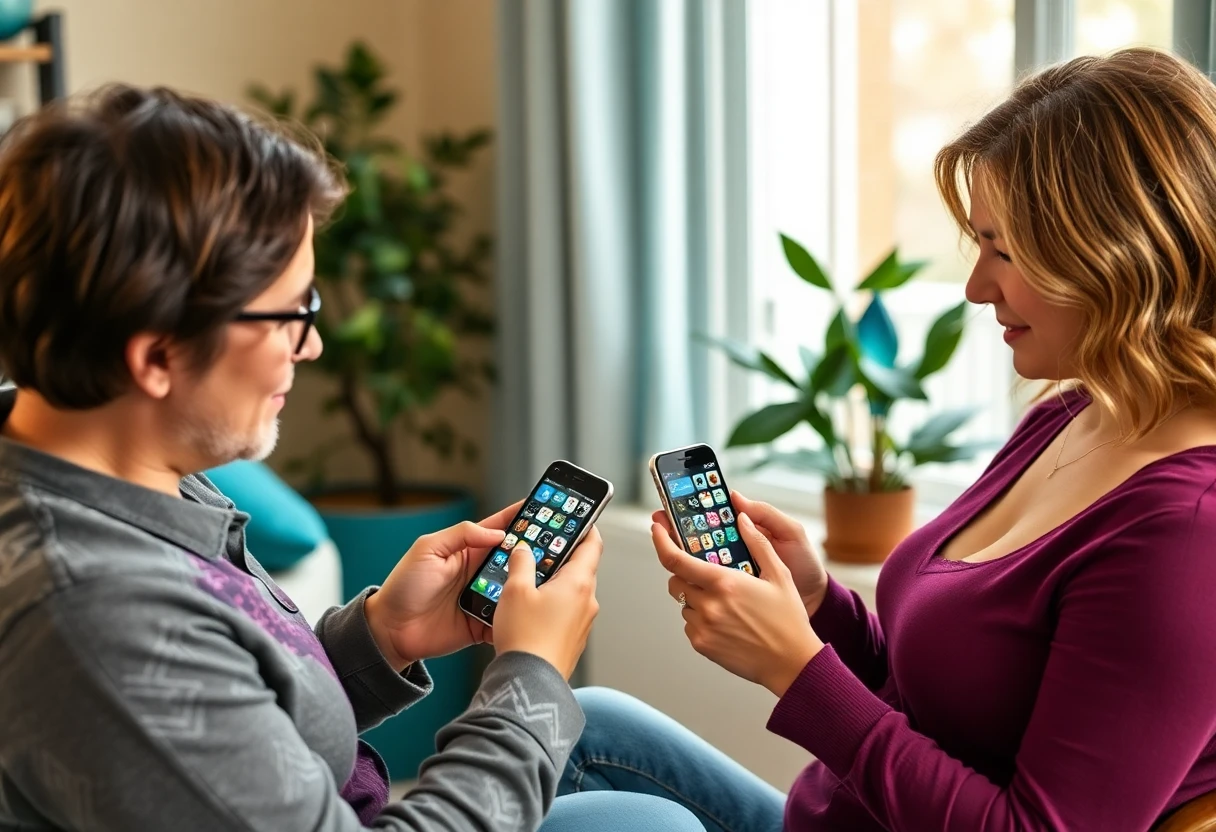
Streaming platforms with something to watch
The biggest split is simple: some apps supply the content, while others only play files you already own. YouTube and Prime Video belong in the first group, but they solve different problems. YouTube is free to install with in-app purchases and has a huge mix of user videos, music, news, learning, gaming, and live streams. Prime Video leans towards films, series, sports, and live programming, with downloads included in the app description.
YouTube is the easiest recommendation for most viewers because the South African App Store listing records 875,000 ratings and a 4.7 score, while the app covers videos, music, and live streams in one place. The free install is useful on its own, but in-app purchases mean some extras sit behind payment. Compared with Prime Video, YouTube gives you far more short-form, educational, and creator content; Prime Video is the better match for people who mainly want professionally produced shows and films. Best for daily viewers who want variety without committing to one catalogue.
YouTube
This app is ideal for users who enjoy diverse video content and want to engage with creators and communities.
Prime Video is the more traditional streaming service here, listing films, TV shows, live programming, sports, rentals, purchases, casting, and offline downloads. That breadth is useful, but availability varies by marketplace, so the catalogue shown in South Africa may not match another country. YouTube is stronger for free discovery; Prime Video makes more sense when you want a focused entertainment library and the option to rent or buy newer releases. Best for households that already use Amazon services and want downloads for travel.
Prime Video
Budget-conscious viewers who want access to a wide range of movies and shows without a hefty subscription fee.
Prime Video gives you a more familiar film-and-series experience, but it is not automatically cheaper or broader in every region. YouTube's 4.7 rating and 875,000 listed ratings show stronger public reach, while Prime Video's advantage is a more curated catalogue and offline viewing. Check the local catalogue before paying for anything.
Players for files, downloads, and local playback
Already have videos saved on your phone? A streaming subscription may be the wrong answer. VLC and MX Player are playback tools, so their value depends less on catalogue size and more on format support, subtitles, decoding, and how smoothly they handle your files.
VLC for Android is the safest pick for people who want a genuinely free, open-source player rather than another content subscription. Its listing says it handles video and audio files, network streams, network shares, drives, DVD ISOs, an audio database, and an equaliser. That is a more useful feature list than a vague promise to play videos, although beginners may find network playback and file organisation less friendly than YouTube. Best for Android users with mixed file types, downloaded media, or content stored on a home network.
VLC for Android
Media enthusiasts who require a versatile player for various file formats without the distraction of ads or fees.
MX Player focuses on smooth playback, with hardware acceleration, an HW+ decoder, multi-core decoding, subtitle support, and pinch-to-zoom controls. The listing claims multi-core performance can be up to 70% better than single-core devices, but that is a test result rather than a guarantee for every Android phone. Compared with VLC, MX Player puts more emphasis on playback performance and touch controls; VLC offers broader open-source and network-media credentials. Best for Android viewers who care about subtitles, zooming, and smoother playback on demanding files.
MX Player
Tech-savvy users who enjoy streaming and require advanced playback options without spending money.
The practical difference is file ownership. VLC is the stronger all-round utility because it explicitly supports network shares and drives, while MX Player is more appealing for people who want hardware-assisted playback and easy zoom controls. Neither app replaces YouTube or Prime Video, and neither supplies a mainstream film catalogue.
Saving social videos: useful, but check the source
Downloader apps promise convenience, yet their descriptions are less precise about platform permissions, copyright, privacy, and long-term reliability. Save your own posts or content you have permission to keep. Avoid treating a downloader as a private archive for somebody else's work.
InSaver says it can download photos, videos, stories, music, and GIFs from social media without requiring a login. That no-login claim is useful because it avoids handing over account credentials, but the listing does not provide a price, supported-platform list, permission breakdown, or retention policy. Compared with the two general downloaders below, it gives the clearest promise about not logging in, yet that is not the same as proven privacy. Best for users saving their own social posts who are willing to review permissions before granting access.
Video Downloader & Story Saver
Casual social media users who frequently share content and value privacy in their downloads.
Video Downloader describes easy downloads and video management from popular websites, but the supplied listing gives no named services, price, supported formats, or privacy details. That missing information matters more here than a polished description: you cannot tell from the available data whether it handles the platforms you use or whether the free version has limits. InSaver is more specific about no-login use, while this app sounds broader but proves less. Best for Android users who will test it with non-sensitive, permission-cleared content first.
Video Downloader
Best for casual users who want a hassle-free way to download videos from supported platforms.
This Video Downloader & Story Saver is aimed at saving social stories, short-form videos, and photos in HD, including a user's own content. The description is clearer than the previous downloader about stories and HD output, but it still does not state the price, permissions, supported networks, or whether downloads remain available when a platform changes its rules. That makes the HD claim less useful than it sounds. Best for people who mainly archive their own stories and want a narrow, social-media-focused tool rather than a full media player.
Video Downloader & Story Saver
Social media users looking to download and save their favourite stories and videos for offline viewing.
The downloader group is where I would be most cautious. The listings make convenience claims, but they do not provide enough evidence to rank one as a privacy leader. For dependable playback, VLC is the stronger installation; for social saving, use the platform's own download or save tools first whenever they are available.
One app that does not belong in this comparison
Quel Produit - Scan Code Barre is not a video app. Its description is about scanning food, cosmetic, and household products without a subscription, so it fails the relevance test for streaming and playback. It has been left out rather than padded into the ranking.
YouTube Kids also deserves a separate family note. Its listing describes child-focused discovery, parent controls, and content matched to a child's age, but the supplied data does not include a rating, price, or detailed control list. It is a safer starting point than the main YouTube feed for supervised family viewing, not a general streaming replacement.

Which app should you install?
Choose YouTube if you want one free-to-install app for music, live streams, learning, news, and creator videos, and you value a large public user base. Choose Prime Video if films, series, sports, rentals, and offline downloads matter more than endless creator content; check South African catalogue availability before paying.
Choose VLC for Android if you play your own files, network media, or unusual formats. Choose MX Player if subtitles, pinch-to-zoom, and hardware-assisted playback are the features you will actually use. The downloader apps belong on a secondary list: they may help with your own social content, but the available listings leave too many privacy and compatibility questions unanswered.
Families should start with YouTube Kids, while adults who want a broad everyday feed should use the main YouTube app with its available controls. For a wider look at free video services and the iOS-heavy side of the category, read Video Streaming Apps: Free, Popular, and Mostly iOS.


