Tanduxy is an independent mobile app comparison platform. We may earn a commission when you click through.
Streaming Apps in NZ: What’s Actually Worth Watching
Netflix leads for original shows, Disney+ wins family viewing, and YouTube remains the strongest free option for everyday video.
Quick Picks
Best overall: Netflix for original series, films, documentaries, and downloads.
Best for families: Disney+ for Disney, Pixar, Marvel, Star Wars, and National Geographic.
Best free option: YouTube for music, live streams, news, learning, and creator video.
Best for Netflix extras: Netflix Playground if you want games alongside shows.
Streaming has become less about finding one app that does everything and more about choosing the service that matches your household. The practical question is simple: do you want polished on-demand shows, a family library, or endless free video?

The big split: paid libraries versus free video
The strongest pattern in this group is the divide between subscription entertainment and open video platforms. Netflix and Disney+ are built around curated libraries, exclusive series, and films you can start without sorting through creator uploads. YouTube takes the opposite route: its Android listing highlights music, gaming, fashion, beauty, news, learning, subscriptions, and live content.
That difference matters more than star ratings. A household wanting one polished drama after dinner will probably prefer Netflix. Someone checking tutorials, music videos, local news, and live events may get more daily use from YouTube without paying for a subscription.
There is also a naming trap in the list. The Netflix entries on Android and iPhone are the same core streaming service, not two separate libraries. The iPhone listing shows 4.7 stars from 74,000 ratings, while YouTube’s iPhone listing shows 4.6 stars from 422,000 ratings. Those figures describe app-store sentiment and reach, not catalogue quality, but they do show how heavily both apps are used.
Netflix is the easiest recommendation when you want one paid app with a broad mix of series, films, documentaries, and stand-up. Its listing says new titles are added regularly and that recommendations improve as you watch, which is useful when browsing fatigue is the real problem. The mobile app also supports watching while travelling or commuting, though the supplied listing does not state the NZ subscription price, download limits, or plan restrictions. That missing pricing detail matters: check the current plan page before subscribing rather than assuming the app-store label tells you the full cost. Netflix also has the strongest original-content identity in this group, while Disney+ is more focused around established franchises. Best for an adult household that wants fresh scripted shows and does not want to build a viewing queue from thousands of unrelated uploads.

Netflix
Frequent viewers looking for diverse entertainment options who are willing to pay a monthly fee.
Netflix is the broadest paid pick here, but breadth is not the same as family depth. Disney+ narrows the catalogue around recognisable brands, which can make choosing easier when several people are sharing one account. The trade-off is that its appeal depends heavily on whether those franchises are already part of your household’s viewing habits.
Disney+ makes the decision simpler by grouping Disney, Pixar, Marvel, Star Wars, and National Geographic in one place. The listing also mentions exclusive original series and new movie releases, so it is not limited to an archive of older family films. Compared with Netflix, the catalogue is more recognisable but less broad in tone; a household that mainly watches adult crime, comedy, or international drama may run out of enthusiasm sooner. The app is also marked as free to install with in-app purchasing on the Android listing, so the subscription itself is not free despite the download cost. Best for parents and franchise fans who want familiar films, superhero series, space adventures, and nature programming without searching across unrelated platforms.
Disney+
Families and fans of Disney, Pixar, and Marvel who enjoy binge-watching TV series and films.
Disney+ is the clearer family-library pick, but YouTube changes the value calculation completely. It costs nothing to install, covers far more than scripted entertainment, and has a much larger iPhone review base. The downside is noise: recommendations can move from useful to distracting very quickly.
YouTube is the app I would install first if the budget is tight or viewing needs change every day. Its Android description covers music videos, gaming, fashion, beauty, news, learning, subscriptions, sharing, and uploads, so it can replace several niche video apps for casual use. The free service is genuinely usable, not merely a sample of the paid product, but the experience is less controlled than Netflix or Disney+. You are choosing from creator uploads, live streams, and recommendations rather than a neat premium catalogue. The listing does not provide an app size, permission breakdown, or NZ Premium price, so those details need checking separately. Best for people who watch short clips, tutorials, music, live content, and news more often than full-length series.
YouTube
Casual viewers and content creators who enjoy diverse video experiences and are comfortable with ads.
Greenfly is the odd one out and should not be mistaken for a Netflix alternative. Its description says it helps companies turn existing relationship networks into a source of photo and video content for distribution across channels. The Android listing reports 4.4 stars from 77 reviews and 10K+ downloads, with access requested to photos or media, storage, camera, and microphone. Those permissions make sense for a content workflow, not for someone looking to stream films at home. Compared with YouTube, it is a publishing and distribution tool rather than a viewer-first entertainment app. Best for a small organisation, sports group, or communications team managing video contributions; skip it for personal streaming.
Greenfly
Marketing teams in medium to large companies with established networks looking to enhance their visual content strategy.
Vidio: Sports, Movies, Series sounds closer to a conventional streaming service, but the available NZ App Store data is thin: it shows 4.6 stars from only 51 ratings and confirms in-app purchases, without giving a catalogue breakdown or subscription price. That small review pool makes the rating less persuasive than YouTube’s 422,000 ratings or Netflix’s 74,000. The title points to sports, films, and series, which may appeal to viewers following Indonesian or regional content, but the listing alone does not establish how much is available in New Zealand. Best for an iPhone user who has checked the current NZ catalogue and specifically wants its sports or regional programming; not the first app to install blindly.
Vidio
Sports enthusiasts and K-drama fans looking for a free streaming option with diverse content.
Greenfly and Vidio show why app-store categories need a reality check. One is a business content platform, and the other may be a useful regional service but has too little local catalogue information here to recommend confidently. The remaining apps are not direct Netflix rivals at all; they create or package video rather than replace a normal streaming subscription.
Apps that make video instead of streaming it
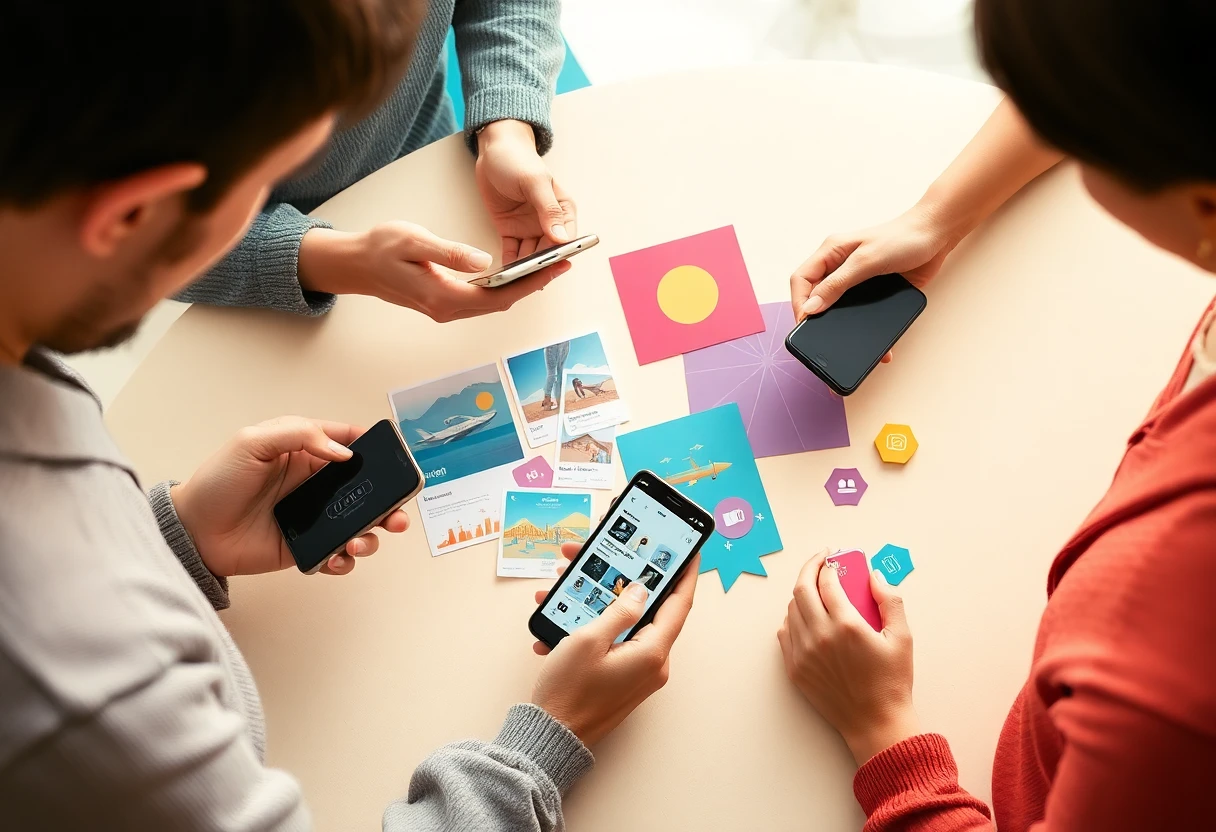
Not every app with “video” in its title belongs in a streaming shortlist. Netflix Playground, Viral You, and TravelBoast all sit beside streaming services in the supplied rankings, but they solve different problems: games, AI-generated clips, and travel stories. That distinction is useful because downloading the wrong app can leave you paying for tools when you wanted something to watch.
Netflix Playground is linked to the Netflix brand but is not simply the standard Netflix player. Its App Store listing says “Play games & watch shows,” is free to download with in-app purchases, and has a 4.7-star rating from just 26 ratings. That tiny sample makes the rating hard to compare with the main Netflix app’s 74,000 ratings. The 4+ age rating also signals a broader audience than the main Netflix app, which is listed as 13+. Best for an existing Netflix user who wants to explore the service’s game-and-show extras; do not install it expecting a separate, larger streaming catalogue.

Netflix Playground
Best for parents seeking a safe, engaging platform for preschoolers to learn through play with familiar characters.
Playground is the closest companion to a streaming service in this final group, but its small review count means there is little evidence to judge long-term usefulness. The next two apps are even more clearly creator tools, so they belong on a different part of your phone.
Viral You turns photos into short AI-generated videos through templates for dance, adventure, cinema, and transformation scenes. The listed process is straightforward: choose a previewed template, upload the required photos, wait for generation, then download the result. That is a creation workflow, not on-demand viewing, and the description does not state the free allowance, subscription cost, app size, or permissions. Best for someone making quick social clips from personal photos who understands that template output is the point; it will not replace Netflix, Disney+, or YouTube as a source of shows.
Viral You
Pet owners and social media users looking to quickly create fun video content without advanced editing skills.
TravelBoast focuses on animated journey videos for Instagram and TikTok, with the listing claiming more than 15 million iOS users worldwide and Android availability. It creates 3D route-style clips rather than streaming entertainment, so its value depends on wanting to share a trip or itinerary visually. The description also references social trends, which may appeal to frequent short-form creators but says nothing about price, app size, or permissions. Best for travellers who want a quick animated route post without editing a full travel video; it belongs in a creation-app folder, not beside paid streaming subscriptions.
TravelBoast My Journey Routes
Social media users who enjoy showcasing their travel experiences through creative video content.
Final comparison
For most NZ households, Netflix is the safest paid recommendation because its description covers the widest mix of mainstream entertainment and personalised discovery. Disney+ is the more focused pick for franchise-heavy family viewing. YouTube earns a place on almost every phone because the free tier covers music, learning, news, live streams, and creator video, even if it takes more effort to filter.
Check the app category before installing the rest. Netflix Playground is an add-on experience, Greenfly is built for organisations, Vidio needs a catalogue check, and Viral You and TravelBoast create videos rather than stream them.
| App | Best for | Evidence from listing | Main limitation |
|---|---|---|---|
| Netflix | Paid on-demand entertainment | Series, films, documentaries, stand-up, personalised recommendations | NZ pricing and plan details are not supplied |
| Disney+ | Franchise and family viewing | Disney, Pixar, Marvel, Star Wars, National Geographic | Narrower content identity than Netflix |
| YouTube | Free everyday video | 4.6 stars from 422K iPhone ratings; music, news, learning, live video | Less curated and easier to fall into endless scrolling |
| Netflix Playground | Netflix games and extras | 4.7 stars from 26 iPhone ratings; shows and games | Very small review sample |
| Vidio | Sports and regional content | 4.6 stars from 51 iPhone ratings; in-app purchases | Limited NZ catalogue information |
| Greenfly | Organisation video distribution | 4.4 stars from 77 reviews; 10K+ downloads | Not a personal entertainment service |
My short version: choose Netflix for one paid entertainment hub, Disney+ for a franchise-led household, and YouTube for the broadest free viewing. If you are comparing mobile video platforms rather than subscription libraries, read YouTube on iPhone: Free, Massive, and Hard to Escape for a closer look at its huge catalogue and the scrolling habit it can create.


